↓
Install on Windows
Run the lightweight installer on any Windows PC. The background connection starts automatically.
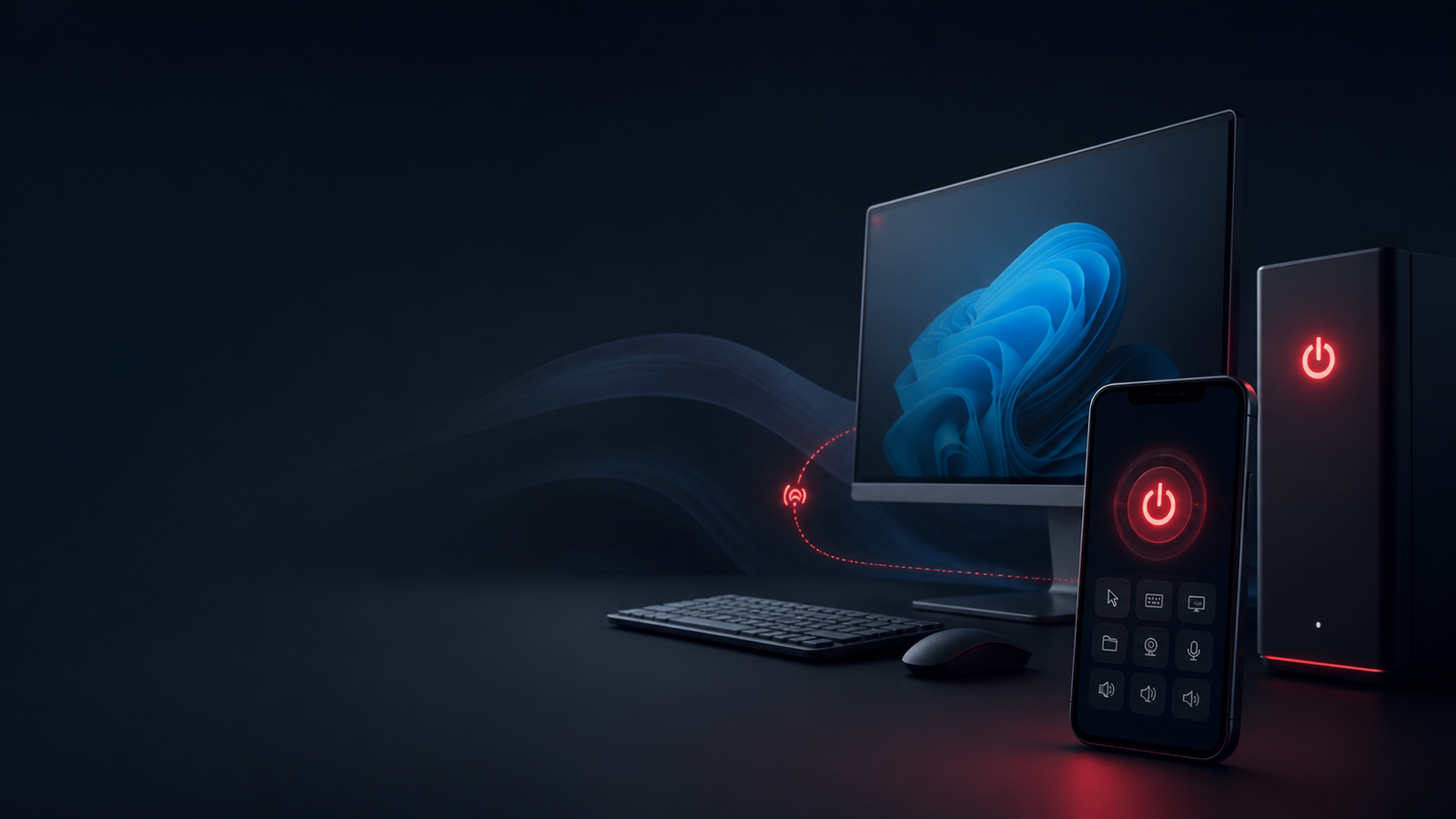
Introducing Shutdown App
See what is running on your Windows PC, view active window or browser-tab titles, open approved apps and websites, lock, sleep, restart, or schedule shutdown—from your phone.
Simple by design
No complicated dashboard or technical setup. Install on Windows, choose your private PC ID and password, then control it securely from your phone.
Run the lightweight installer on any Windows PC. The background connection starts automatically.
Set a unique PC ID and password inside the app. Use a different ID for every computer.
Check running windows, open approved apps or HTTPS websites, lock, sleep, restart, and schedule or cancel shutdown.
Flexible timing
Perfect when a download, upload, render, backup, or long task needs time to finish—but you don’t want the computer running all night.
Automatic shutdown
Time select karke power button dabayein.New PC controls
Your authenticated mobile dashboard receives a regularly refreshed view of visible Windows apps, including active window and browser-tab titles.
See visible programs and the active window or tab title. Refresh manually or let the list update automatically.
Launch approved Windows apps and HTTPS websites remotely. An allowlist blocks arbitrary commands.
Lock the PC instantly, put it to sleep, restart Windows, or use the automatic-shutdown timer.
Open Chrome Remote Desktop for full screen, keyboard, and mouse access after one-time PC setup.
Built for real life
Let exports, uploads, and long renders finish, then shut the PC down automatically.
Turn off a shop, office, reception, or billing PC even after you’ve left.
Schedule shutdown after a big game or software download without waiting nearby.
Manage the home computer from another room or while you’re away.
Give each PC a separate ID and control the machine you need from one phone.
Safely end a work session when your task is complete and you’re no longer at the desk.
Launch offer
Pay securely through Razorpay and download the Windows installer immediately.
One-time payment
The bigger idea
Shahflicks Tools is growing into a collection of focused apps that solve one everyday problem exceptionally well.
See running windows, launch approved apps, lock, sleep, restart, and schedule shutdown from mobile.
Open tool →Baby names, vaccination tracker and growth diary for Indian parents.
Simple software, fair prices, no clutter.
Ready when you are
Install Shutdown App today and control your Windows PC from wherever you are.
Get Shutdown App for ₹49 →